
PictoRelay FAQ
What PictoRelay is, what it does, and answers to the questions we hear most.
What is PictoRelay?
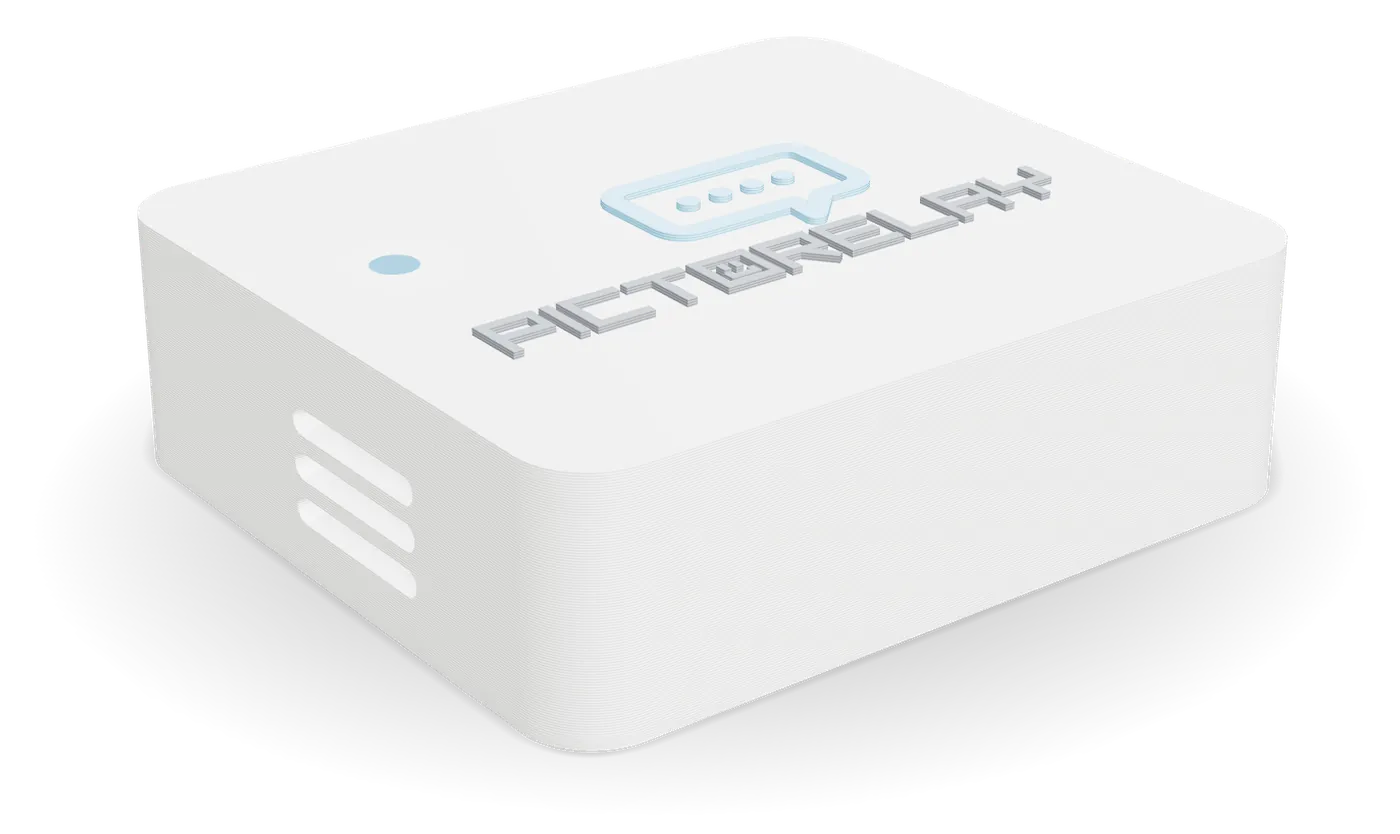 PictoRelayNext to your DS
PictoRelay is a small device that takes Nintendo DS PictoChat online. PictoChat was made for consoles in the same room. PictoRelay sits next to your DS, joins your home Wi‑Fi, and connects your PictoChat room to everyone else on pictorelay.com.
Your DS doesn't need any mods. Open PictoChat, pick a room, and people from all over show up in it: other DS owners with their own PictoRelay, people on PictoRelay 3DS, and anyone chatting from a phone or computer at pictorelay.com.
Features
- Rooms
All four rooms
Chat Rooms A to D show on your DS with how many people are in each.
- Friends
Everyone in one room
People on pictorelay.com and PictoRelay 3DS show up in your DS member list with their own name and color.
- Drawings
Drawings and all
Pictures, text and profile messages go both ways, just like a local chat.
- Consoles
DS, DS Lite and DSi
Works with the PictoChat built into every DS, DS Lite and DSi. No mods, no cartridge.
- New
Online DS games
PictoRelay also opens a Wi‑Fi network, PictoRelay DS, so DS games can go online through WiiLink WFC. Pick it in your game's Nintendo WFC settings.
- 16 max
Up to 16 per room
The same as PictoChat itself, so every DS sees everyone.
- Updates
Updates itself
Signed, encrypted updates install on their own, only when the room is empty.
- Setup
Ready in minutes
No app, no computer, no account. Plug it in and pick your Wi‑Fi from your phone.
- 3DS
PictoRelay 3DS
A 3DS app with the PictoChat look, keyboard and drawing pad, in the same rooms. Get it here.
Questions
Do I need a PictoRelay to chat?
No. Anyone can chat for free at pictorelay.com from a phone or computer, or with PictoRelay 3DS on a 3DS. PictoRelay is what lets a real DS join, using the PictoChat built into it.
Does my DS need custom firmware or a flashcart?
No. PictoRelay talks to your DS the same way another DS in the room would. Turn on your DS, open PictoChat, and pick a room.
Can more than one DS use the same PictoRelay?
Yes. Every DS near PictoRelay can join. The first DS to enter picks the room, and the others join that same room, up to 16 people per room.
Does my computer need to stay on?
No. PictoRelay joins your Wi‑Fi by itself and only needs USB-C power. A phone charger is all it takes.
What Wi‑Fi does it need?
A 2.4 GHz Wi‑Fi network with internet access. Most home routers have one, often under the same name as their 5 GHz network.
How do online DS games work with PictoRelay?
PictoRelay opens its own Wi‑Fi network called PictoRelay DS. In a DS game, open the Nintendo WFC settings, search for an access point, and pick PictoRelay DS. It connects your game to WiiLink WFC, which keeps DS online play running.
The network has no password, but only Nintendo consoles can join it. We've tested Mario Kart DS and the Pokémon Pearl GTS.
How do I change PictoRelay's Wi‑Fi or turn its light off?
Press PictoRelay Settings at the top of pictorelay.com while you're on the same Wi‑Fi as PictoRelay. Settings shows its versions, checks for updates, turns the blue light on or off, and changes the Wi‑Fi network.
Will the source code for the PictoRelay firmware or backend be made public?
No, PictoRelay is a closed-source project, and there are no plans to release the source code.
Why? Most DS/3DS community projects are open source.
Unlike standalone console homebrew, PictoRelay is a connected ecosystem. It relies on a central web infrastructure, global room coordination, and over-the-air (OTA) automatic firmware updates.
Opening the source code introduces security risks, including:
- Infrastructure Security: Exposing backend logic makes the servers highly vulnerable to automated abuse, API scraping, and spam bots that would degrade performance for legitimate users.
- Hardware & OTA Safety: PictoRelay updates itself automatically, so every update is signed, and PictoRelay won't install anything else. This protects users from potentially compromised or malicious third-party firmware clones.
- Server Costs: A closed API ensures that traffic remains manageable so the service can continue running efficiently without exploding backend hosting fees.
Can I trust the project if it isn't open source?
Trust is completely up to you. PictoRelay interacts with your console purely by emulating a standard local DS wireless room connection. It does not modify your DS firmware, require custom firmware (CFW) on an original DS, or touch your private data. If you are uncomfortable using a closed-source web service, you are under no obligation to use the website or PictoRelay.